


WordPress Compliance Checklist for 2026 (Accessibility, Privacy & Security)
Date: 29/03/2026
Summary
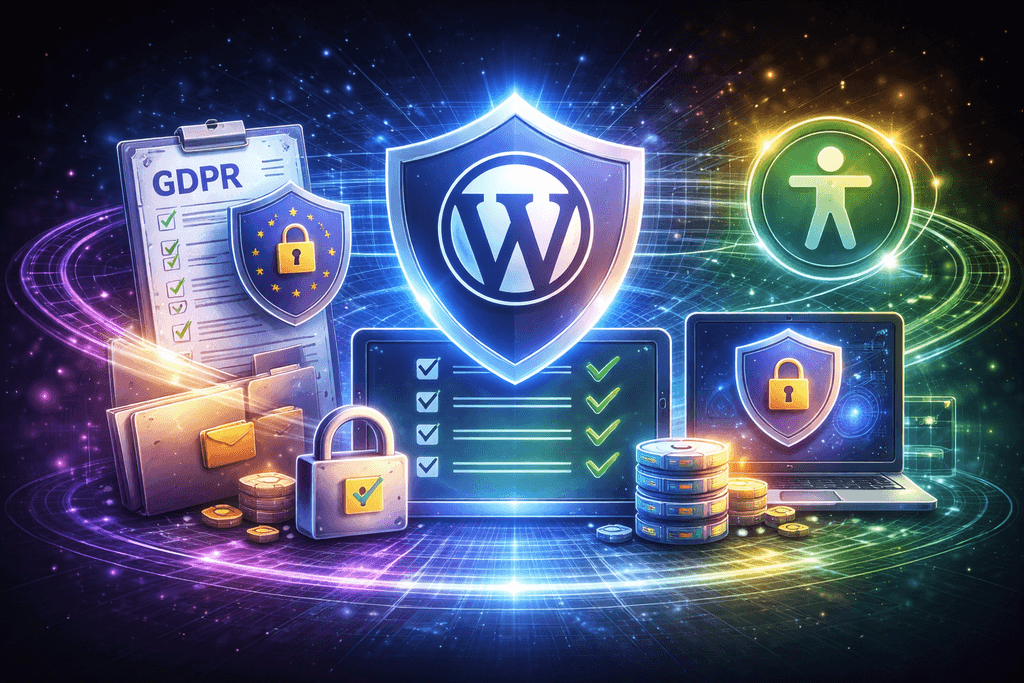
Website compliance is no longer optional—it’s a business-critical requirement.
In 2026, companies must meet strict standards across privacy, accessibility, and security. Failing to comply doesn’t just risk fines—it can damage your brand, reduce conversions, and block enterprise deals.
This WordPress compliance checklist will help you ensure your website meets modern standards and builds trust with users and partners.
What Is WordPress Compliance?
WordPress compliance means aligning your website with legal, technical, and ethical standards, including:
- Data protection laws (GDPR, etc.)
- Accessibility standards (WCAG)
- Security best practices
👉 It’s about protecting users, data, and your business.
Why Compliance Matters in 2026
⚖️ Legal Protection
- Avoid fines and legal risks
- Meet international regulations
🤝 Trust & Credibility
- Users trust secure and compliant websites
- Enterprise clients require compliance
📈 Better SEO & Performance
- Accessibility improves search rankings
- Secure websites perform better
👉 Compliance is now a competitive advantage.
1. GDPR & Privacy Compliance
If you serve users in the EU, GDPR (General Data Protection Regulation) is mandatory.
Key Requirements:
✅ Cookie Consent
- Display clear cookie banners
- Allow users to accept/reject tracking
- Block scripts before consent
✅ Privacy Policy
- Clearly explain data collection
- Include third-party tools (analytics, CRM, etc.)
- Keep it updated
✅ Data Collection Transparency
- Show what data is collected
- Explain how it’s used
- Provide opt-out options
✅ User Rights
Users must be able to:
- Request data access
- Request data deletion
- Withdraw consent
👉 Failure to comply can result in significant penalties.
2. Accessibility (WCAG Compliance)
Accessibility ensures your website can be used by everyone—including people with disabilities.
Why It Matters:
- Required for enterprise and government contracts
- Improves SEO and usability
- Expands your audience
Key Accessibility Requirements
✅ Semantic HTML
- Use proper headings (H1–H6)
- Structure content logically
✅ Screen Reader Compatibility
- Add alt text to images
- Use ARIA labels where needed
✅ Keyboard Navigation
- Ensure full site navigation via keyboard
- Avoid interaction traps
✅ Color Contrast
- Maintain readable contrast ratios
- Avoid relying only on color for meaning
👉 Accessibility is not just compliance—it’s better UX.
3. Security Compliance
Security is a core part of compliance frameworks.
Essential Security Measures:
✅ SSL Certificate (HTTPS)
- Encrypt all data transfers
- Required for SEO and trust
✅ Regular Updates
- Keep WordPress core, plugins, and themes updated
- Remove unused plugins
✅ Firewall & Monitoring
Use tools like:
- Wordfence
- Cloudflare security layer
✅ Strong Authentication
- Enforce strong passwords
- Enable two-factor authentication (2FA)
✅ Backup System
- Daily automated backups
- Secure offsite storage
👉 Security breaches can invalidate compliance entirely.
4. Cookie Policies & Tracking Compliance
Modern websites rely on tracking—but it must be transparent.
Checklist:
- Cookie banner with clear options
- Categorized cookies (essential, analytics, marketing)
- Ability to change consent preferences
- Integration with analytics tools (Google Analytics, etc.)
👉 Users must have control over their data.
5. Data Protection Best Practices
To stay compliant:
✅ Minimize Data Collection
- Only collect necessary information
✅ Secure Data Storage
- Encrypt sensitive data
- Use secure hosting environments
✅ Limit Access
- Restrict admin permissions
- Monitor user roles
✅ Audit & Logs
- Track system activity
- Maintain logs for security and compliance reviews
Common Compliance Mistakes
❌ Missing cookie consent banner
❌ Outdated privacy policy
❌ Poor accessibility implementation
❌ Weak security setup
❌ No data management process
👉 These are the most common reasons companies fail audits.
Enterprise-Level Compliance Expectations
If you work with enterprise clients, expect:
- Full GDPR compliance
- Accessibility audits (WCAG 2.1/2.2)
- Security documentation
- Data processing agreements (DPA)
👉 Without compliance, deals can be blocked.
The Business Impact of Compliance
📈 Benefits:
- Higher trust and credibility
- Better SEO performance
- Increased conversions
- Access to enterprise clients
⚠️ Risks of Non-Compliance:
- Legal penalties
- Lost revenue
- Reputation damage
- SEO decline
👉 Compliance directly impacts growth.
Final Takeaway
WordPress compliance in 2026 is not just about avoiding fines—it’s about building a secure, accessible, and trustworthy digital presence.
👉 The companies that prioritize compliance will win more clients, rank higher, and scale faster.
🚀 Need Help Making Your Website Fully Compliant?
At Betlace, we help businesses implement full WordPress compliance—covering GDPR, accessibility, and security.
From audits to full implementation, we ensure your website meets modern standards.
Trending articles

Ukraine vs Poland vs Balkans: Where to Hire the Best WordPress Developers in 2026

Why Eastern Europe Is the Smartest Place to Hire a WordPress Agency in 2026

Funnel Flattening: How Modern WooCommerce Stores Remove Checkout Friction

AI-Powered WooCommerce: How Smart Personalization Increases Conversions
╳
We`d love
to hear
from you
to hear
from you
Get a Best Project Consultation
Congratulations!
Message sent successfully!