


10 Signs Your WordPress Website is Costing You Leads
Date: 30/01/2026
Summary
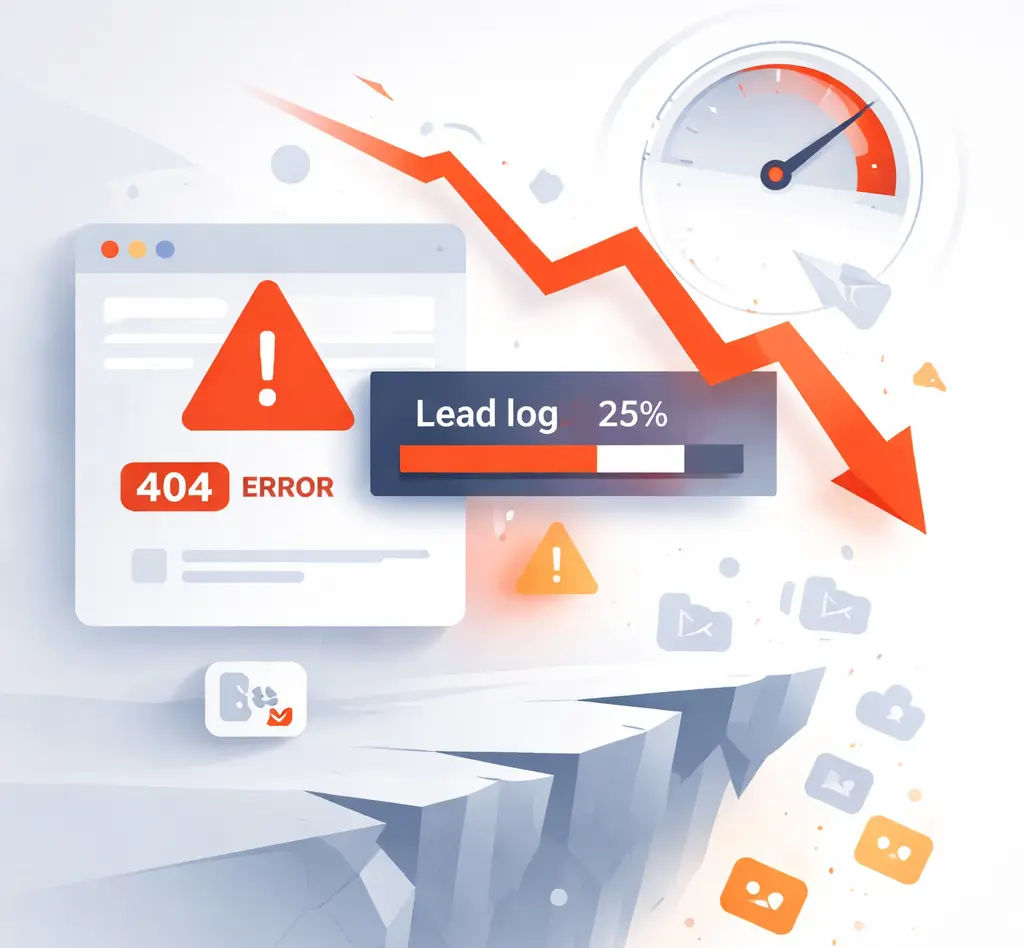
Your WordPress website might look great, but if it isn’t generating leads, it’s actually costing your business money.
In this guide, we’ll show you 10 common signs that your website is holding you back — and what to do about it.
Who this guide is for
This guide is for founders, marketing managers, and growth teams who want their website to actively drive leads and revenue.
It’s not for those just looking for a portfolio site or a temporary landing page.
Sign 1: Your Site Loads Slowly
-
Average visitor waits < 3 seconds before leaving.
-
Slow websites reduce conversions and hurt SEO.
Check: Google PageSpeed Insights, GTmetrix.
Quick fix: Optimize images, lazy load, use caching, and review your hosting.
Sign 2: Your Mobile Experience is Poor
-
Over 60% of web traffic is mobile.
-
If buttons are too small, forms broken, or pages not responsive → visitors leave.
Check: Mobile-friendly test by Google.
Quick fix: Use responsive themes, test on multiple devices, optimize touch targets.
Sign 3: Forms Are Hard to Find or Broken
-
Your lead forms are buried or don’t work.
-
Even one broken form = lost leads.
Quick fix: Place forms above the fold, test submission, use multi-step forms for complex offers.
Sign 4: No Clear Call-to-Action (CTA)
-
Visitors don’t know what action to take.
-
Multiple weak CTAs → decision paralysis.
Quick fix: One primary CTA per page, clear text (e.g., “Book a Free Consultation”), visually prominent.
Sign 5: Outdated Design or Messaging
-
Website looks old or inconsistent.
-
Messaging doesn’t communicate your value clearly → visitors leave.
Quick fix: Audit content, simplify design, focus on benefits, not just features.
Sign 6: Content Doesn’t Match Your Audience
-
Generic text → visitors don’t see relevance.
-
Blog and landing pages don’t address pain points of your target personas.
Quick fix: Map content to buyer personas, solve specific problems, use case studies.
Sign 7: Poor SEO & Visibility
-
Pages don’t rank → organic traffic is low.
-
If no meta titles, descriptions, H-tags structure → Google struggles.
Quick fix: SEO audit, optimize headings (H1, H2), meta tags, internal linking.
Sign 8: Analytics Are Missing or Misconfigured
-
If you don’t track visitors, sources, or conversions → you can’t improve.
Quick fix: Install Google Analytics 4, set up Goals/Events, integrate CRM.
Sign 9: Too Many Distractions
-
Pop-ups, banners, autoplay videos → confuse visitors.
-
Focus must be on the lead generation path.
Quick fix: Simplify pages, reduce distractions, keep a clear visual hierarchy.
Sign 10: Your Website Isn’t Built for Growth
-
Hard-coded pages, messy theme, no reusable blocks → every change is expensive.
-
Leads lost because it’s slow to iterate or launch campaigns.
Quick fix: Use modular design, ACF, reusable templates, scalable architecture.
What to do next
If your website shows 3 or more of these signs, it’s likely costing you leads — and revenue.
At Betlace, we specialize in turning WordPress websites into lead-generating machines.
-
Technical audit of your site
-
Conversion-focused redesign
-
Scalable, maintainable architecture
👉 Book a free consultation now and start converting more visitors into customers.
Trending articles

Ukraine vs Poland vs Balkans: Where to Hire the Best WordPress Developers in 2026
Why Eastern Europe Is the Smartest Place to Hire a WordPress Agency in 2026

Funnel Flattening: How Modern WooCommerce Stores Remove Checkout Friction

AI-Powered WooCommerce: How Smart Personalization Increases Conversions
╳
We`d love
to hear
from you
to hear
from you
Get a Best Project Consultation
Congratulations!
Message sent successfully!